
How tip pooling works
How tip pooling works
Tip Pooling gathers tips from every source for a period and splits them across roles and dayparts, so every shift is paid out fairly. Tip sources shown: POS, Mobile (QR), Online and Cash.
Steps
- Go to Tips → Tip Pooling.
- Choose the period you want to review.
- Check the totals by source.
- Click Recalculate if punches or tips changed since the last calculation.
- Review each employee’s share.
- Click Approve distribution when the split is right.
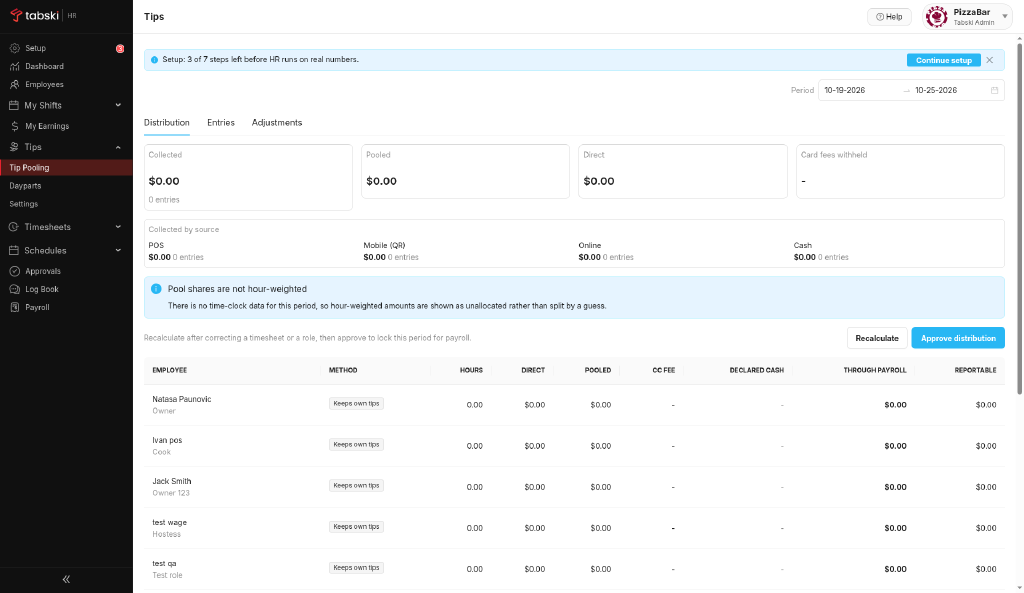
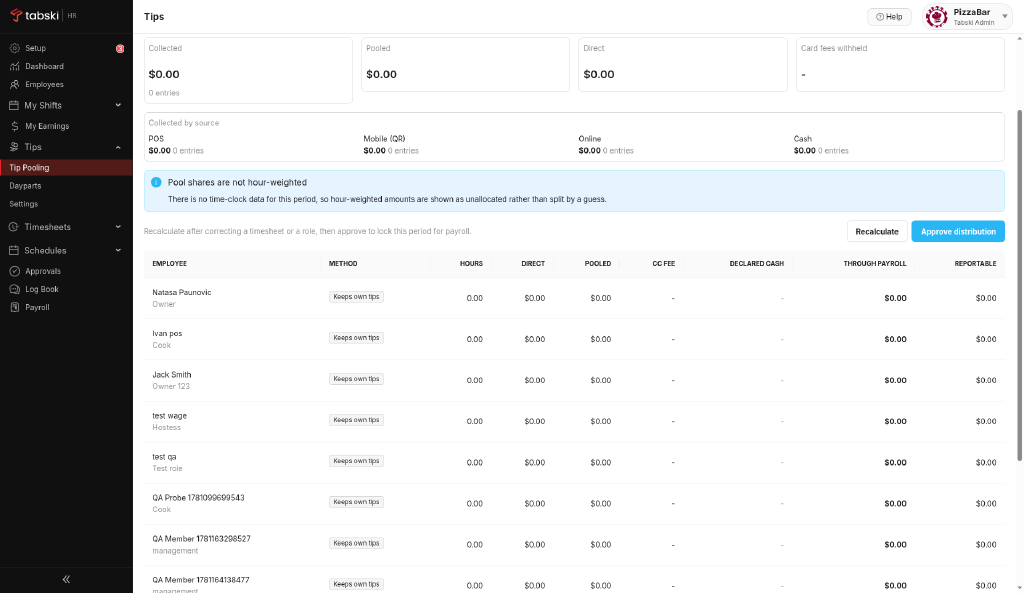
Pools split by hours need time clock data. Get staff clocking in, then Recalculate.
Mobile (QR) is the tip channel for guests who pay by QR code.
New to Tabski HR? See how it works with your restaurant and food hall POS on the Tabski HR page.