
The POS Built for Golf Simulator Bars
Your booking system knows who’s in Bay 4. Your POS doesn’t. That’s where the money leaks.
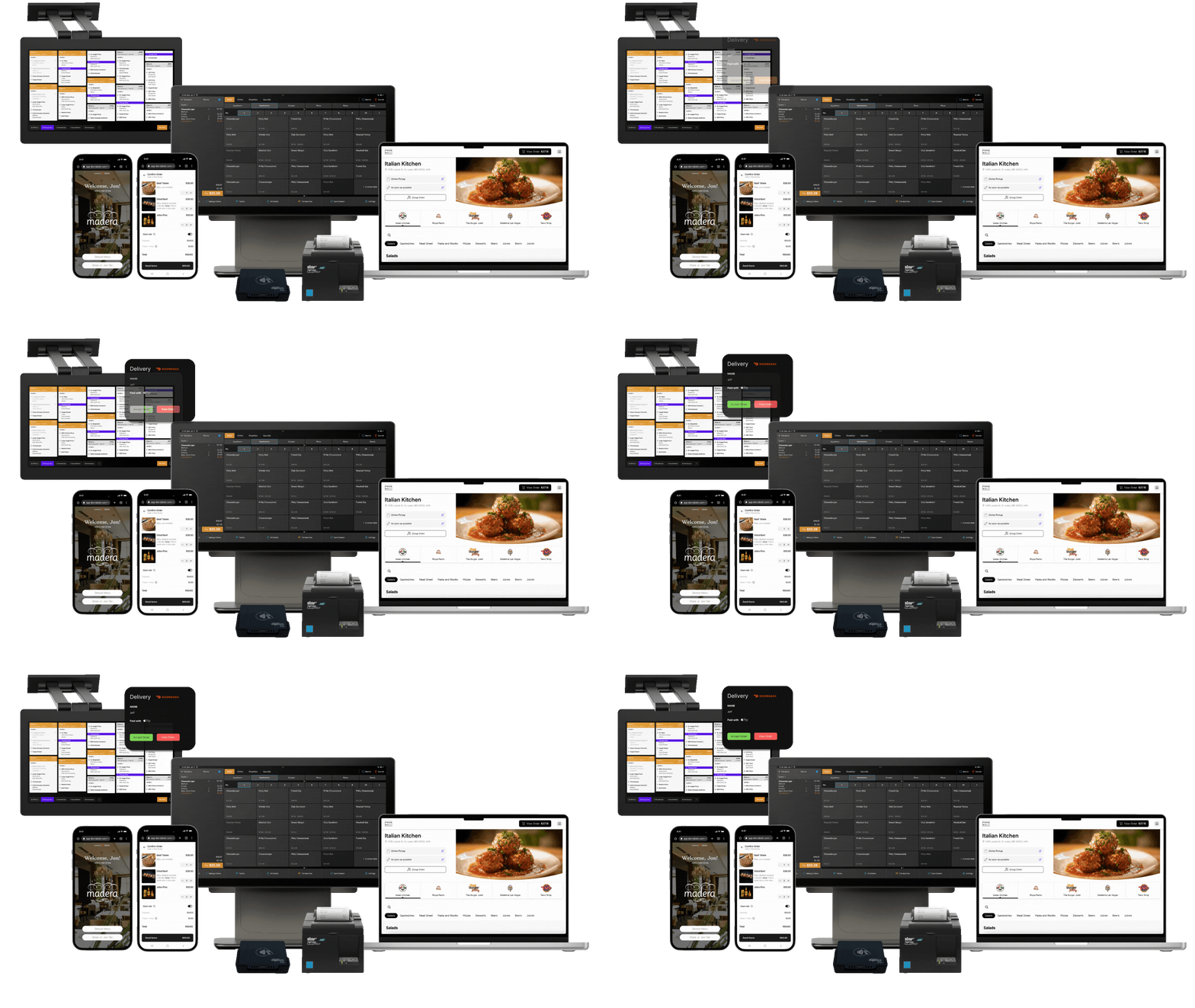
The problem every indoor golf venue has
You sell two things. Bay time, and everything a group orders while they’re sitting in it.
Bay time is easy — a reservation, a card on file, a start and end. The second one is where indoor golf venues consistently underperform, and it’s almost always a systems problem rather than a service problem.
A group of four books Bay 4 for two hours. They order a round at the counter when they arrive. Then they’re 45 minutes into a session, and the second round requires someone to physically leave the bay while their friends keep playing. So the second round doesn’t happen.
Multiply that by every group, every night. Survey data across 354 facility operators puts average food and beverage spend at $40 per visit against a $55 session — a 73% uplift on bay revenue. The venues capturing the top of that range aren’t serving better food. They’ve removed the reason to stop ordering.
What Tabski does differently
The reservation opens the tab.
When a booking checks in, a tab opens against that bay. Not a table. Not a generic check. The bay, tied to the reservation, tied to the group.
From there:
Guests order from the bay. QR code at the station. Any player adds to the tab from their phone without leaving the group or interrupting the session. The most valuable F&B moment in this format is a guest who’s stationary for two hours — this is the only way to actually capture it.
Staff carry handhelds. Fire an order, close a tab, run a card from the floor. No walking back to a terminal.
The kitchen gets real tickets. Kitchen display system, routed by station, coursed against the session clock. Not a printout of a Square receipt.
Splits work the way groups actually split. Average session is three players, and more than 40% of groups split the cost. Per-guest tabs on a shared bay, split however they want, without your staff doing arithmetic on a notepad during the Saturday rush.
The tab survives reality. Session runs long. Two more people show up at 7pm. Bay 3 finishes early and the group moves to Bay 5 to sit near the bar. The tab follows. Nothing gets re-keyed, and nothing goes missing at close.
Why two systems doesn’t work
Most indoor golf venues run a booking platform and a separate point of sale. It’s not an unreasonable choice — the booking tools are good at booking. But the seam between them is expensive.
Operators consistently report the same failures:
- Reconciliation friction at day-end close. Payments in the booking platform don’t match payments in the POS.
- Sync delays during peak. “Delays in syncing, especially during updates or high-traffic times, can erase bookings or cause double entries.”
- Disconnects mid-transaction. “If devices disconnect mid-task, like during a payment or reservation update, you’re left cleaning up later.”
- No shared customer record. The person who’s booked 40 hours this year is anonymous at the bar.
- Manual workarounds around payments, access control, calendars, and simulator hardware.
The industry knows this. One major booking platform built a dedicated integration with a hospitality POS specifically to create tabs on check-in — because it has no POS of its own. Topgolf brought in a full hospitality POS to get in-bay ordering working across their venues, and that deal notably included no booking component at all.
Everyone is stitching. We just built it as one system.
Built for how indoor golf actually runs
Time-based bay pricing. Weekday daytime, weekday evening, weekend — different rates, automatically. The standard structure across the category is roughly $45 / $55 / $65, and it should not require a manager to remember to change it.
Memberships that work at the bar. Member rates, included hours, guest privileges, and member pricing on F&B — recognized at the bay and at the register, not just at booking.
Leagues and events. Eight-week league billing, team rosters, and full or partial venue buyouts. A four-bay buyout runs $2,500–$6,000 and shouldn’t be a manual invoice.
Corporate and group billing. House accounts, deposits, and a single invoice for a company outing that ran across four bays and a food order.
Off-peak revenue tools. The hardest problem in this business is that 9am to 4pm on weekdays is 57% of your available bay-hours and almost none of your demand. Dynamic pricing, daytime promos, and membership tiers that push play into the shoulder are how that inventory gets sold.
Prepayment that actually reduces cancellations. Measured across 200+ venues, the true no-show rate is only about 1% — but 18% of bookings cancel, and prepaid bookings cancel at 15% versus 20% for pay-on-arrival. Taking payment at booking recovers roughly five points of utilization for nothing.
For hybrid and after-hours operation
A growing number of venues run staffed during peak and unattended in off-peak — bar and kitchen open Thursday through Sunday, door codes and simulator control covering weekday mornings and late nights.
That model is hard to run today because the software market is split down the middle:
| Simulator control | Door access | Real kitchen & F&B | |
|---|---|---|---|
| Sim-native booking platforms | ✅ | ✅ | ❌ |
| Golf POS platforms | ❌ | ❌ | ✅ |
| Tabski | ✅ | ✅ | ✅ |
Full hospitality F&B when you’re staffed. Automated access and simulator control when you’re not. One reporting layer across both, so you can actually see whether the unattended hours are earning.
Pricing
Published, because you shouldn’t have to book a demo to find out what software costs.
| POS | $69 per month, per device |
| Kitchen display | $25 per month, per device |
| Mobile QR & online ordering | $59 per month, per location |
| Third-party delivery | Included |
| Card processing | Custom by volume — rate-match guarantee, interchange pass-through available |
For reference, indoor golf venues typically pay $49–$149 per bay per month for booking software alone, before a POS. A seven-bay venue’s all-in software cost across booking, POS, access control, and simulator licensing typically lands around $2,400–$2,700 per month.

How we compare
Against booking-first platforms (VTee, Birrdi, Golf O’Clock, Sports Carnival, Rex): they handle bays, waivers, door codes, and simulator control well. Their “POS” is a Square or Stripe checkout — no kitchen display, no coursing, no handhelds, no real tabs. Fine if you sell balls and merch. Not enough if you sell food.
Against golf POS platforms (Club Caddie, Lightspeed Golf, Teesnap): these are real systems with real F&B — genuinely good at the register. But they come from golf-course DNA, and their indoor pages don’t mention simulator hardware integration or door access control. If you’re running a hybrid or unattended-off-peak model, that’s a hole.
Against general restaurant POS (Toast, Square, Clover): excellent hospitality software with no concept of a bay, a session, or a reservation. You’ll run a second system and reconcile by hand.
Detailed breakdown: Tabski vs. Club Caddie · Best indoor golf POS software
Frequently asked questions
What’s the best POS system for a golf simulator bar? The requirement that separates indoor golf from a normal bar is that revenue is tied to a bay and a booking, not a table. Look for: a tab that opens from the reservation, mobile ordering from the bay, handhelds for staff, kitchen ticket routing, per-guest splits on a shared bay, and — if you run any unattended hours — door access and simulator control in the same system.
Do I need separate booking software and a POS? Most venues run both, and most report reconciliation friction at close, sync failures during peak, and no shared customer record between the two. A single system that opens the tab from the reservation removes that seam. Tabski includes booking, so you don’t need a second platform.
Can guests order food and drinks from the simulator bay? Yes. A QR code at the bay lets any player in the group add to the tab from their phone without leaving the session. Given that F&B adds a measured 73% on top of bay revenue, and that the standard blocker is guests not wanting to leave their group mid-session, this is the highest-leverage feature in the category.
How does splitting work when four people share a bay? Per-guest tabs against a shared bay. Any player can add items, and the check splits however the group wants at the end — evenly, by item, or by player. Average session is three players and over 40% of groups split, so this is routine, not an edge case.
Does Tabski integrate with TrackMan, Foresight, Uneekor, or GSPro? Simulator integration and door access control are part of the platform for venues running hybrid or unattended hours. Talk to us about your specific hardware — book a demo.
How much does a golf simulator POS cost? Tabski is $69 per device per month for POS, $25 per device for kitchen display, and $59 per location for mobile and online ordering, plus processing. Booking software alone in this category typically runs $49–$149 per bay per month.
Can Tabski handle memberships and leagues? Yes — member rates and included hours recognized at booking, at the bay, and at the bar; league billing and rosters; and full or partial venue buyouts with house accounts and deposits.
See it on your floor
Tell us your bay count, your hours, and whether you run unattended off-peak. We’ll show you what the reservation-to-tab flow looks like on your actual setup.
Or start with the numbers: indoor golf revenue calculator