
Order Throttling
Stop Digital Orders From Overwhelming Your Kitchen
Order Throttling controls how many digital orders hit your kitchen at once. When volume spikes, Tabski staggers the queue, pauses printing, and shows guests real-time wait times automatically so your team can keep up without the chaos.

Digital Ordering Creates a New Kind of Kitchen Problem
When every guest orders from their phone at the same time, your KDS floods, tickets pile up, and quality drops. Order Throttling is the fix.
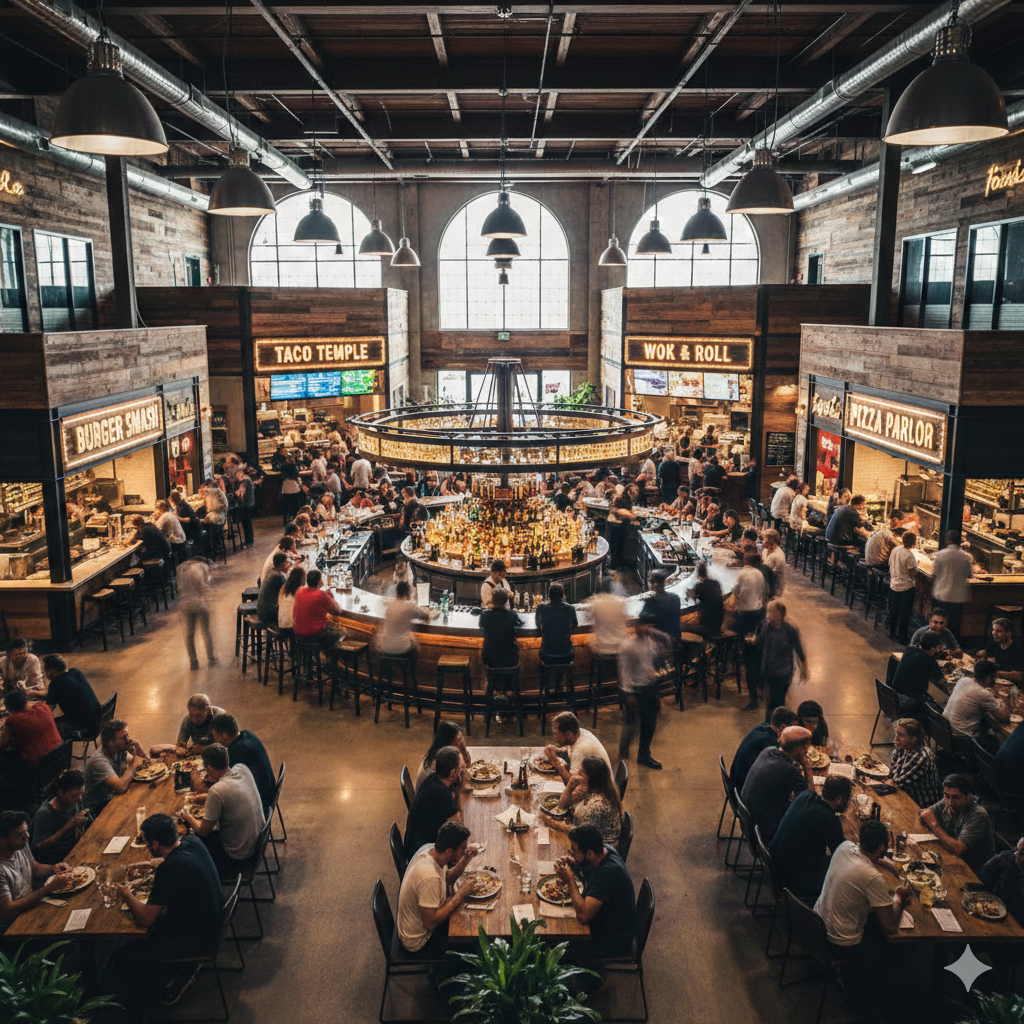
Guests See a Wait Time Before They Get Frustrated
When your kitchen hits capacity, Tabski automatically surfaces a real-time wait time alert to guests placing orders on mobile. No surprises at pickup. No complaints to staff. Expectations are set before the guest hits submit.
This is completely automatic. When throttling activates, the updated wait time appears on the digital ordering screen without anyone on your team doing anything. When the queue clears and throttling lifts, the wait time returns to normal on its own.
Guests who see an honest wait time are far more likely to stay seated and engaged than guests who order expecting 10 minutes and wait 35. Throttling protects the guest experience while protecting your kitchen.
Tickets Hit the Line at a Pace Your Team Can Actually Handle
When throttling is active, incoming orders do not dump onto the KDS all at once. They enter a controlled queue and release steadily so your team can execute each ticket at full quality rather than burning through a pile all at once.
Printer halting is also available during a rush. When the queue is deep, Tabski can pause ticket printing so paper does not stack up and staff do not lose their place in a sea of receipts.
This applies across every digital ordering channel simultaneously. One throttling policy covers your direct QR ordering, online ordering, and any third-party integrations running through Tabski.

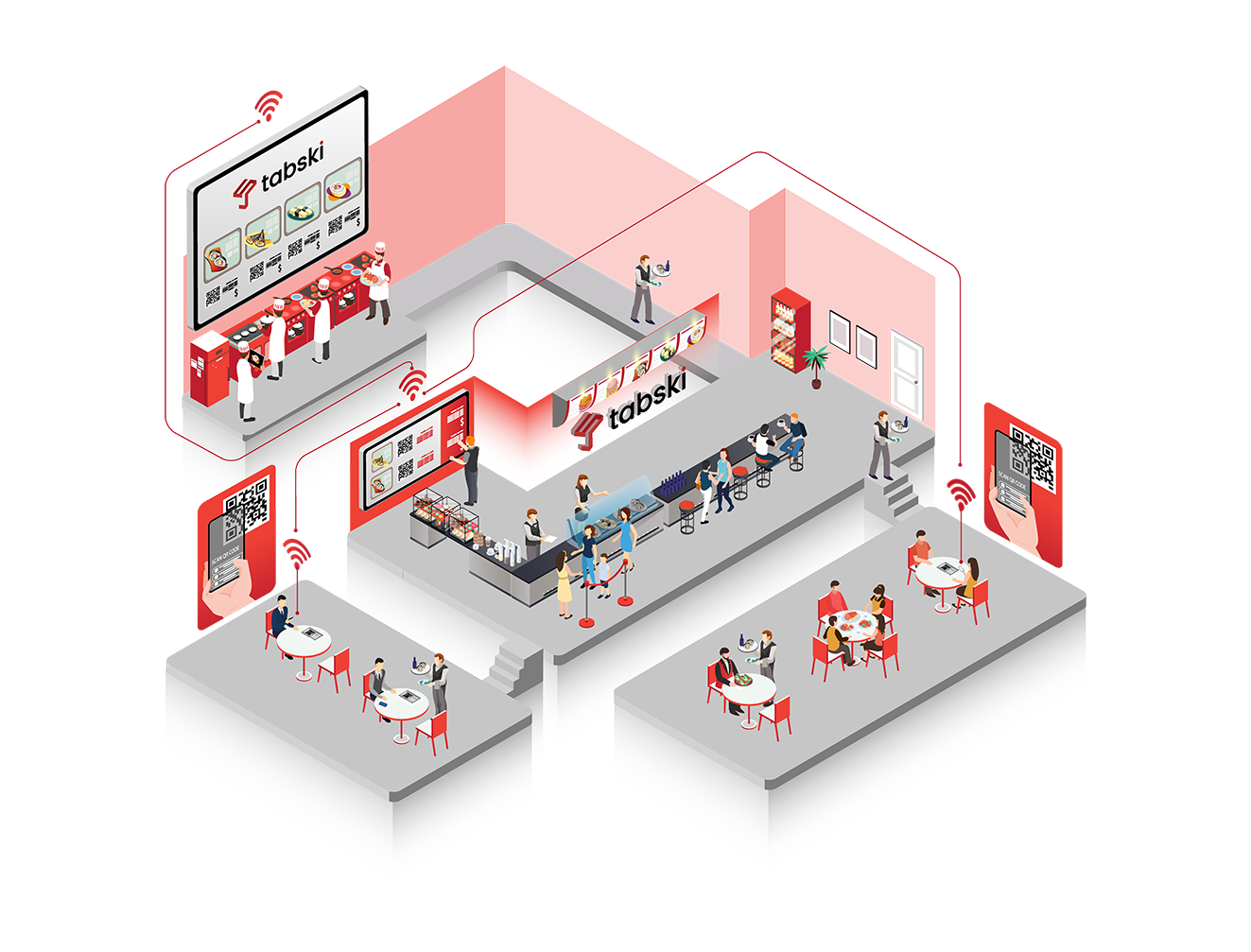
From Rush Detected to Queue Cleared in Four Steps
Throttling works automatically in the background. Your team does not need to manage it manually. Here is what happens from the moment a rush starts to the moment it clears.
Rush detected
Tabski monitors incoming order volume in real time. When your configured threshold is hit, throttling activates instantly without any staff action.
New orders enter the queue
Incoming tickets are held in a staggered delay buffer and released to the KDS at a pace your team can execute. Printing can pause simultaneously.
Guests see the updated wait time
Digital ordering surfaces a real-time wait time automatically. Guests know what to expect before confirming their order so expectations are set before frustration builds.
Queue clears, throttling lifts
As the kitchen works through the backlog and volume drops back below your threshold, throttling deactivates and normal order flow resumes automatically.
Set Your Own Delay Rules for Every Level of Busy
No two rushes are identical. Tabski lets you create custom delay rules for different operational statuses so throttling matches your actual kitchen capacity rather than a one-size-fits-all setting. Define exactly how long delays should be and when each level kicks in.

Everything Built Into Order Throttling
Staggered KDS Queue
Orders enter a delay buffer during a rush and release to your kitchen display at a controlled pace. Your team executes steadily rather than scrambling through a flood of tickets all at once.
Real-Time Guest Wait Times
When throttling activates, guests placing mobile or QR orders see an updated wait time before they confirm. No staff action needed. The alert appears and disappears automatically based on queue status.
Printer Halt During Rush
Ticket printing pauses automatically while throttling is active so paper does not pile up on the counter and staff do not lose their place working through a deep queue.
Cross-Channel Coverage
One throttling policy applies across direct QR ordering, online ordering, and third-party delivery integrations like DoorDash and Uber Eats. You do not configure it separately per channel.
Custom Delay Rules
Build a set of operational status levels with your own delay durations and thresholds. Slightly busy, moderate rush, and at capacity can each have different settings tuned to how your team actually operates.
Pairs With Order Batching
Use Order Throttling alongside Tabski Order Batching for complete kitchen load control. Throttling manages how many tickets hit the line per minute while batching consolidates orders by table before they reach the KDS.
Tabski Throttling vs No Throttling vs Manual Kitchen Management
Most kitchens handle rush periods reactively. Order Throttling is the proactive alternative that keeps your team ahead of the volume instead of behind it.
| Capability | Tabski Throttling | No Throttling | Manual Kitchen Management |
|---|---|---|---|
| Prevent KDS from flooding during a rush | ✓ Automatic | ✗ All tickets hit at once | Requires staff to pause tablets |
| Show guests real-time wait times | ✓ Automatic | ✗ No guest visibility | Manual signage only |
| Pause ticket printing during rush | ✓ Configurable | ✗ | Manual printer management |
| Applies across all digital channels | ✓ Single policy | ✗ | Per-platform manual changes |
| Custom delay levels by rush severity | ✓ 4 configurable levels | ✗ | No structured system |
| Lifts automatically when queue clears | ✓ Automatic | ✗ | Requires staff to re-enable |
Order Throttling: Common Questions
What is order throttling in a restaurant POS?
Order throttling is the ability to control how many digital orders reach your kitchen at once during a busy period. Instead of every order hitting your KDS the moment it is placed, throttling holds incoming tickets in a queue and releases them at a pace your team can handle. Tabski's throttling also shows guests a real-time wait time when the queue is active so expectations are set before anyone gets frustrated.
Does my team have to manually activate throttling during a rush?
It depends on how you configure it. You can set automatic thresholds that trigger throttling based on incoming order volume, or your team can manually change the operational status from the POS when they need to engage it. Both approaches work and most operators use a combination: automatic triggers for common rush scenarios and a manual override for unexpected spikes.
What do guests see when order throttling is active?
Guests placing orders through your QR ordering or online ordering channels see an updated estimated wait time displayed before they confirm their order. The wait time reflects your current operational status level and updates automatically as the status changes. When throttling lifts and the kitchen is back to normal, the wait time returns to standard without anyone doing anything.
Does order throttling apply to third-party delivery orders like DoorDash and Uber Eats?
Yes. When you configure a throttling policy in Tabski, it applies across all your digital ordering channels simultaneously including direct QR, online ordering, and third-party integrations. You do not need to pause or adjust each platform separately when your kitchen hits capacity.
How is order throttling different from order batching?
They address the problem from different angles. Order Batching consolidates multiple QR orders from the same table into one ticket before they reach the KDS, reducing total ticket count. Order Throttling controls the rate at which all incoming tickets, batched or not, are released to the kitchen during a rush. Using both together gives you complete control over kitchen load from two complementary directions.
Can I set different throttling rules for different times of day?
You can configure multiple operational status levels with their own delay settings and activate them manually or through automatic triggers based on order volume. Many operators build separate playbooks for weekday lunch, weekend dinner, and event nights so the right throttling level is always one tap away rather than something that needs to be reconfigured on the fly.
Does order throttling work for food halls with multiple vendors?
Yes and it is particularly valuable in food hall environments where digital ordering volume can spike across multiple vendors at the same time. Each vendor or prep station can have its own throttling configuration so a busy pizza stall can engage full throttle without affecting the status shown to guests ordering from a neighboring vendor that has capacity.
See Order Throttling in Action
Join operators who have taken control of their digital ordering flow, kept their teams ahead of the volume, and turned peak hours from the most stressful part of the night into something manageable.