
Schedule settings and week start
Schedule settings and week start
Schedule settings set your week start and how schedules work for your store.
Steps
- Go to Schedules → Settings.
- Set Week start, for example Monday.
- Review the other settings and save.
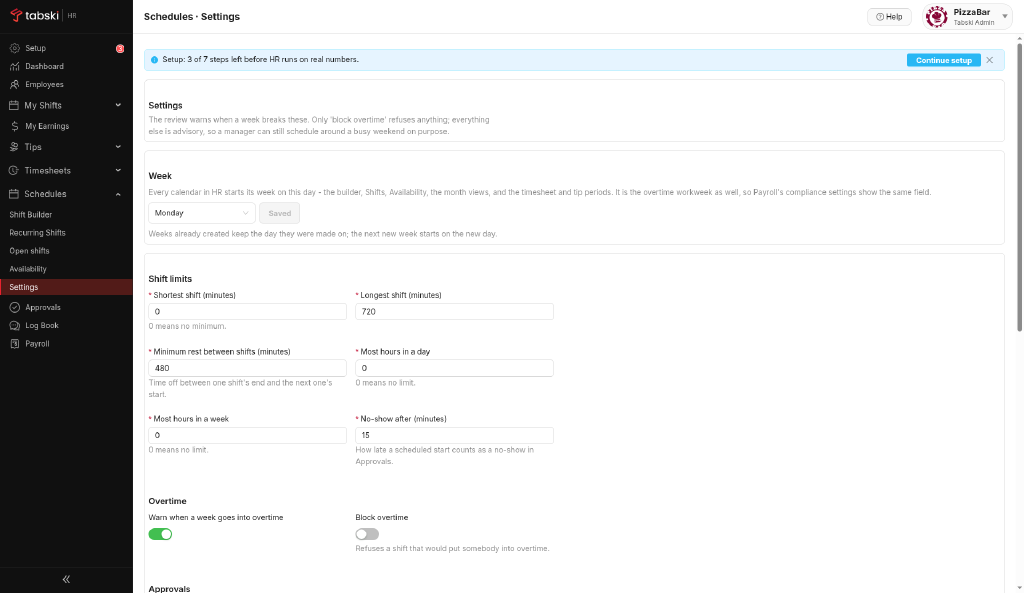
Confirm the week start matches your pay period so schedules, timesheets and payroll line up.
New to Tabski HR? See how it works with your restaurant and food hall POS on the Tabski HR page.