
Setting up roles and permissions
Setting up roles and permissions
Roles and permissions control who can see and approve what in Tabski HR. Set them up before adding employees and whenever you create a new role.
Steps
- Go to Employees → Roles & permissions.
- Review the matrix row by row for each role.
- Turn permissions on or off for each role, then save.
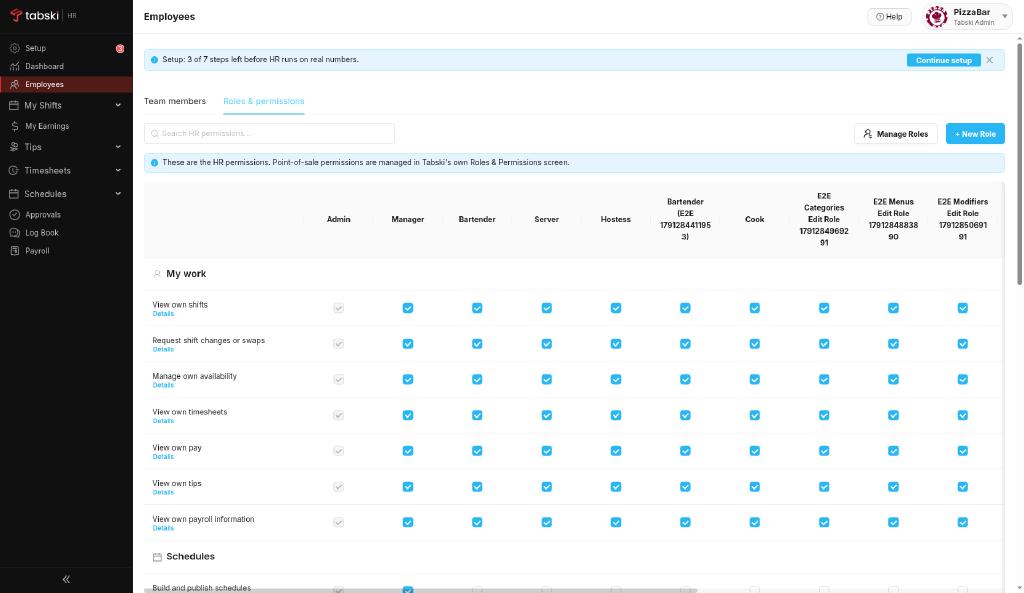
POS permissions are managed in Tabski POS.
New to Tabski HR? See how it works with your restaurant and food hall POS on the Tabski HR page.