
Using the Tabski HR dashboard
Using the Tabski HR dashboard
The dashboard is your daily overview. Real-time labor cost sits right next to your sales, pulled in from Tabski POS, so you see labor percent and sales per labor hour as the day goes.
Steps
- Click Dashboard in the left navigation.
- Review the labor chart and summary cards.
- Running more than one location? Switch businesses from the business and user menu at the top.
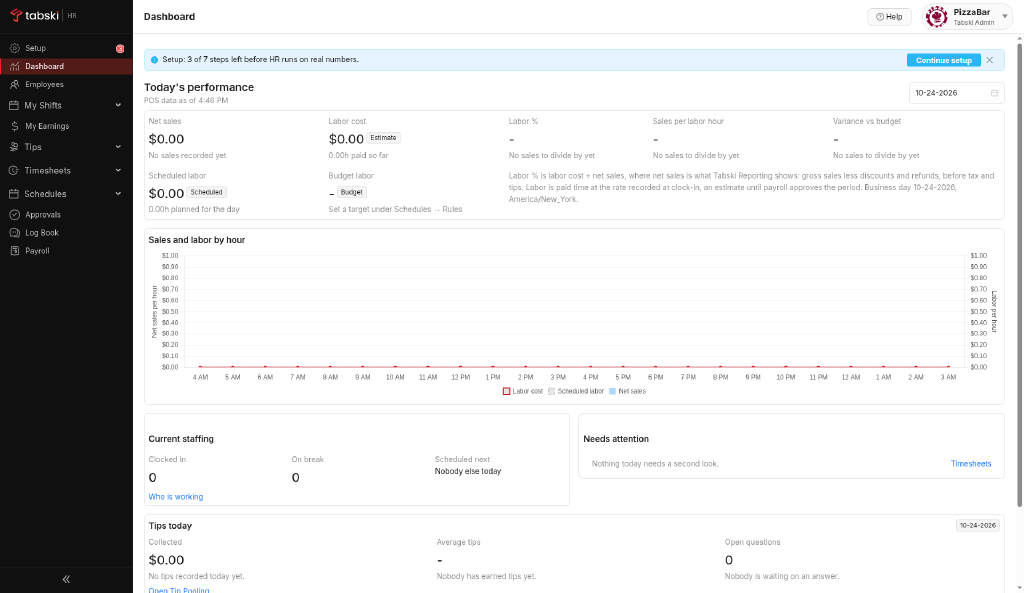
The dashboard fills in once staff are clocking in. With no time clock data yet, it shows an empty state.
New to Tabski HR? See how it works with your restaurant and food hall POS on the Tabski HR page.