
Setting clock rules
Setting clock rules
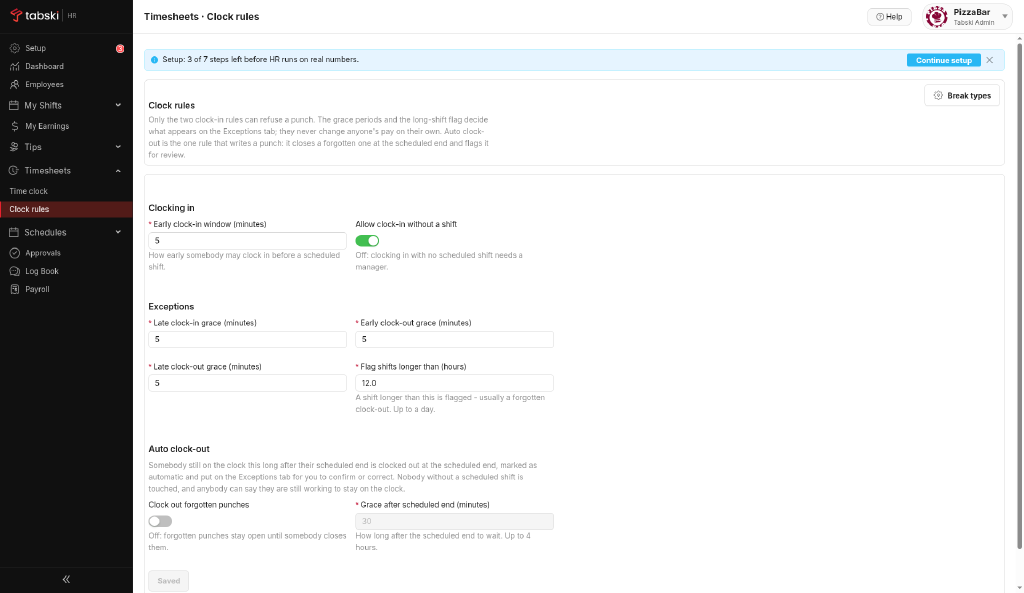
Clock rules keep punches clean, with breaks and overtime handled the way you set them. Review them during setup and whenever your policy changes.
Steps
- Go to Timesheets → Clock rules.
- Review each rule and adjust it to your policy.
- Save.
New to Tabski HR? See how it works with your restaurant and food hall POS on the Tabski HR page.