
Manager approvals
Manager approvals
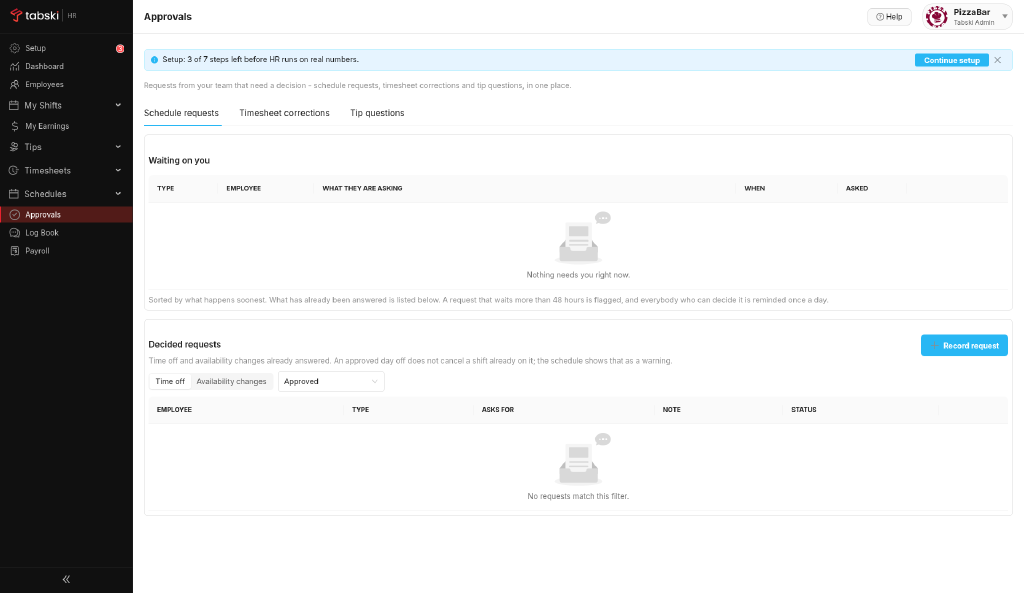
Approvals keeps every item that needs a manager decision in one queue: Schedule, Timesheet and Tip questions.
Steps
- Click Approvals.
- Open the Schedule, Timesheet or Tip questions queue.
- Review each item and approve or decline it.
New to Tabski HR? See how it works with your restaurant and food hall POS on the Tabski HR page.