
Adding a new employee
Adding a new employee
Employee records sync automatically from Tabski POS into Tabski HR. When you add someone in HR, that record feeds back to the POS, so adds made in HR sync both ways.
Steps
- Go to Employees and click + New Employee.
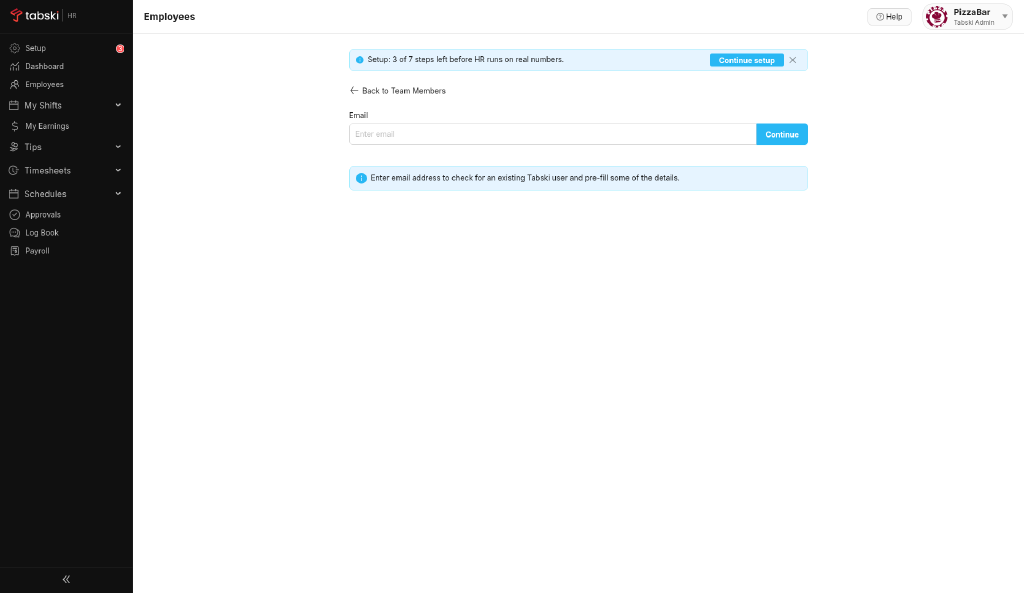
- Enter the employee’s email address and click Continue.
- Add their name, pick a role, and complete the remaining fields.
- Save. They’re on the roster.
Set up roles first so the right permissions apply from day one.
New to Tabski HR? See how it works with your restaurant and food hall POS on the Tabski HR page.